If you've searched for the best local model to run with OpenClaw, you've seen the same article a dozen times: a table of model names, a column of parameter counts, a column of RAM requirements, and zero guidance on which row is yours. That's not an answer. That's homework.
So here's the version that actually decides for you. It's built around the main OpenClaw setup and the companion How to Add LM Studio to OpenClaw post, and it's organized by the only two things that matter: what hardware you have, and what you want the model to do.
The one thing that decides everything
Before any model names, internalize this, because it's what every list-style guide gets wrong.
OpenClaw is an agent. It does its work by calling tools: running shell commands, hitting APIs, reading and writing files, sending messages. The thing that makes a model good or bad for OpenClaw isn't how clever it sounds. It's how reliably it produces correct tool calls. A model that's slightly less smart but never fumbles a function schema is far more useful than a brilliant one that occasionally emails the wrong person.
That single fact splits local models into two completely different jobs.
Heartbeat duty. The recurring "is there anything to do?" check. This needs almost no intelligence and no real tool-calling. Any small model does it perfectly, for free. This is what most people should run locally, and it's the setup the main guide walks through.
Real agent work. Writing, coding, multi-step tasks, deciding what to do with that email. This leans hard on tool-calling reliability, and it's where small local models get shaky. This is the job that's usually worth paying a few dollars a month for instead.
Keep those two jobs separate in your head and the model choice gets easy.
How to read this: find your tier
Three hardware tiers cover almost everyone. Find yours, read that section, skip the rest.
- 16GB (Mac Mini M4, most laptops): heartbeats yes, real work no. Read Tier 1.
- 32GB: heartbeats easily, real work maybe, with caveats. Read Tier 2.
- 64GB or a dedicated GPU: real local work becomes genuinely viable. Read Tier 3.
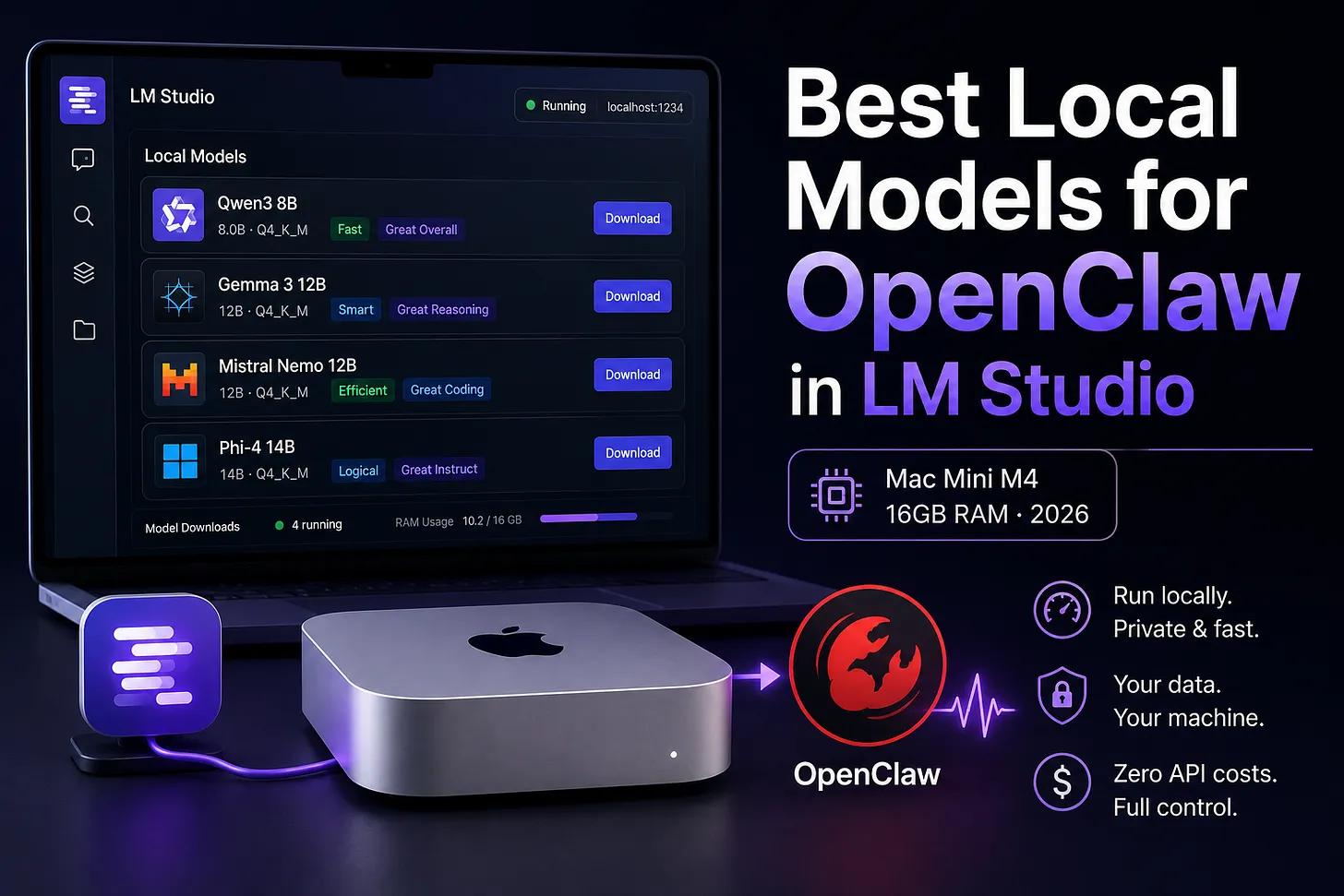
Tier 1: 16GB (the Mac Mini M4 setup)
This is the machine I use in the main guide, and for most readers it's the realistic one. With 16GB, the model is sharing memory with OpenClaw itself and your OS, so you want something in the 3 to 4 billion parameter range. That leaves headroom and runs fast.
The default: Qwen3 4B. This is what I point to in the setup guide and it's the right starting answer. It's quick, it's reliable at the simple classification a heartbeat needs, and it loads comfortably in 16GB with room to spare.
If Qwen3 4B feels heavy, drop to Llama 3.2 3B. Smaller, even faster, slightly less capable. On an older 16GB machine that's also doing other things, this is the safer pick. For pure heartbeat duty you will not notice the intelligence difference, because the question is "is there work, yes or no," and a 3B model answers that flawlessly.
Gemma 3 4B and Phi-4-mini are both fine alternatives in the same weight class. If you already have one downloaded, it'll do the job. There's no reason to chase a "best" here because every model in this range clears the bar for heartbeats with margin.
What 16GB will not do well is run your primary agent work locally. You can technically load these models and route real tasks to them, but the tool-calling gets unreliable fast, and an agent that misfires tool calls is worse than no agent. On 16GB, run heartbeats locally and keep your real work on a paid model. The main guide's model ladder (Kimi K2.5 free, DeepSeek V3.2 for a few dollars, Claude Sonnet 4.5 for daily reliance) is the right call here.
The RAM math, concretely. A 4B model in the quantized format LM Studio downloads takes roughly 2.5 to 3GB of memory loaded. Add OpenClaw and macOS overhead and you're using maybe 6 to 7GB of your 16. That's why this works on a Mac Mini M4 without the machine breaking a sweat, and it's why you don't want to push to a 14B model on the same box.
Tier 2: 32GB (real work becomes possible, with caveats)
At 32GB you have enough memory to load a 7 to 14 billion parameter model and still run everything else. Now the question changes from "which heartbeat model" to "can I run my actual agent work locally and stop paying for tokens?"
The honest answer: sometimes, for some tasks.
Qwen3 8B or Qwen3 14B are the models to try first if you want local agent work. The 14B in particular gets tool-calling right often enough to be usable for straightforward, single-step tasks. Where it struggles is long multi-step chains, the exact thing a 24/7 agent does most. It'll handle "summarize this file and message me" cleanly and then fumble a five-step task that Claude Sonnet would walk through without thinking.
Mistral Small is the other strong candidate in this tier if it fits your memory budget. Good general capability, decent tool use.
Here's the thing I'd tell a friend at 32GB: keep using the local model for heartbeats no matter what, and experiment with running light real work locally, but don't rip out your paid provider yet. Run both side by side using the "mode": "merge" config from the LM Studio post. Route the easy stuff local, keep the hard stuff on the paid model, and watch where the local model lets you down. After a week you'll know exactly which tasks it can own.
Tier 3: 64GB or a dedicated GPU
This is where local agent work stops being a science project. With 64GB of unified memory or a dedicated GPU with 24GB of VRAM, you can run a model large enough that tool-calling reliability approaches what you'd get from a mid-tier cloud model.
A 70B-class model (Llama 3.3 70B and its relatives) in a sensible quantization is the target. At this size the model handles multi-step tool chains well enough to run a real agent, and you're genuinely off the paid providers if you want to be.
Two honest caveats even at this tier.
First, speed. Even on strong hardware a 70B model runs slower than a cloud call. For background work that's fine. For anything where you're sitting and waiting, the latency is noticeable.
Second, the ceiling. Top-end tool-calling (the kind Claude Sonnet 4.5 gives you, which is why the main guide says the framework was built around it) still isn't something a local model fully matches in 2026. If your agent is doing high-stakes work where a wrong tool call has real consequences, the cloud model is still the safer brain. Local at this tier is excellent for privacy, offline operation, and zero marginal cost, but "as reliable as Sonnet for complex agent work" is not yet the claim.
The decision, in one path
Skip the table. Follow the path.
- Running on 16GB? Load Qwen3 4B for heartbeats. Keep real work on a paid model. Done.
- On 16GB and the machine feels stressed? Drop to Llama 3.2 3B. You won't notice the difference for heartbeats.
- On 32GB and curious about going local? Run Qwen3 14B alongside your paid provider with
"mode": "merge", route easy tasks to it, and keep the hard tasks paid until it's earned your trust. - On 64GB or a real GPU and you want off the cloud? Run a 70B-class model for real work, keep a small model for heartbeats, and accept slower responses as the trade for $0 and full privacy.
How to test a model before you trust it
Don't take my word or anyone's. Loading is free, so test. Here's a 60-second tool-calling check you can run on any model you're considering for real work.
Load the model in LM Studio, point a single OpenClaw task at it, and give it something that forces a clear, checkable tool call:
Open the file /tmp/test.md, replace the word "draft" with "final"
wherever it appears, and confirm exactly how many replacements you made.
Then look at three things. Did it call the file tool instead of just claiming it did the edit? Did it report a specific number? Is the number correct? A model that does all three reliably across a few tries can handle light real work. A model that hallucinates the edit or skips the tool call is a heartbeat model only, no matter how big it is.
Run that test five times. Reliability is the whole game here, and five clean passes tells you far more than any benchmark number.
Frequently asked questions
Why does everyone list parameter counts and VRAM but not just tell me what to use?
Because it's safer to list options than to make a call. The call for OpenClaw is: small model for heartbeats, paid model for real work, unless you have 32GB-plus and time to test.
Is local actually cheaper than just paying?
For heartbeats, yes, dramatically, because it's free and they're constant. For real work, the math is closer than you'd think. The main guide makes the point that moving to DeepSeek V3.2 removes rate limits for around $5 a month. Running real work locally to save $5 only makes sense if you also want privacy or offline operation. If it's purely about cost, $5 is hard to beat with your own electricity and hassle.
Does the model need to support tools to run heartbeats?
No. A heartbeat is a plain classification question. Even models with weak tool-calling handle it, which is why any 3 to 4B model works for that job.
My model loaded but OpenClaw says no model available
Loading and serving are different. Confirm the model shows the green "loaded" indicator in LM Studio and the local server is started. The connection details are in the companion How to Add LM Studio to OpenClaw post.
A note on model names
LM Studio's catalog shifts month to month, and new small models that beat these come out constantly. Treat the specific names here as solid picks as of 2026, not gospel. The decision framework outlives any individual model: match parameter size to your RAM, run small models for heartbeats, and test tool-calling before you trust a local model with real work.
Sources and further reading
- The setup these models plug into: How to Set Up OpenClaw with LM Studio
- The heartbeat routing config: How to Add LM Studio to OpenClaw (companion post)
- LM Studio model catalog:
lmstudio.ai/models
If you ran the tool-calling test on a model I didn't list and it surprised you, reply and tell me which one. I update these recommendations as the small-model field moves, and it moves fast.